
Product
The workflow, from person records to reports
17 connected modules. Explore the main workflows, then open the guide you need.
01
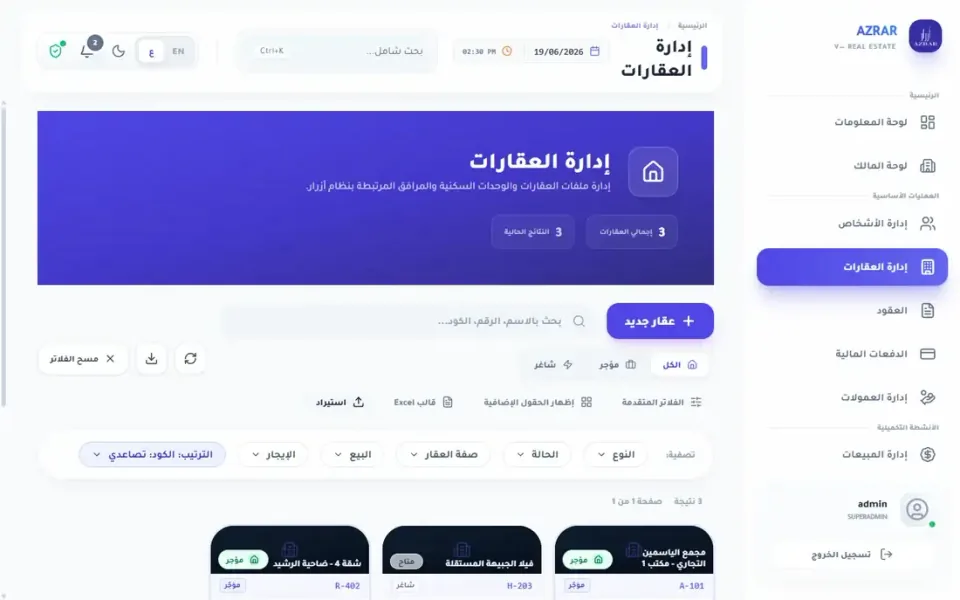
Properties & people
Keep owners, tenants and units connected to contracts and accounts.
02
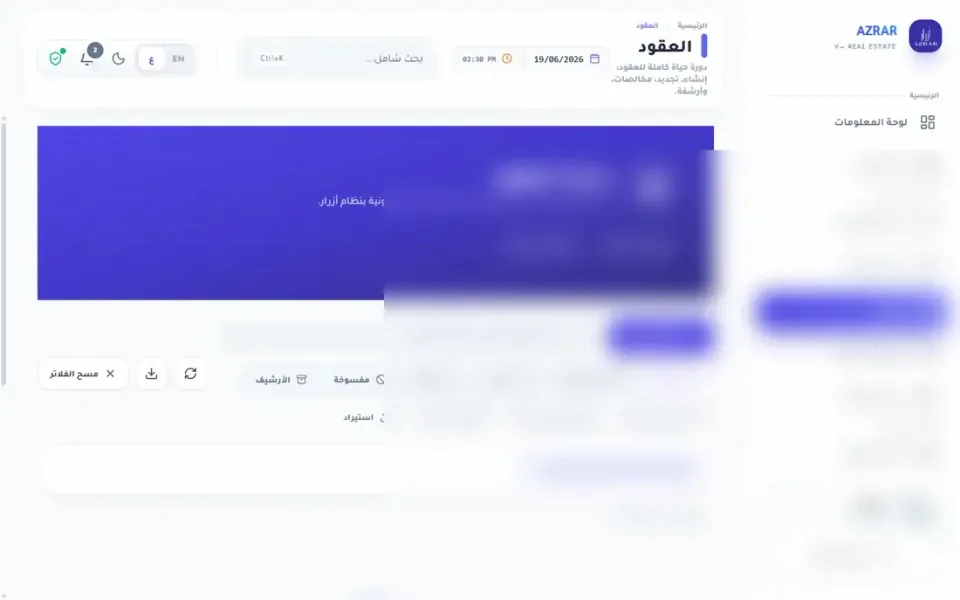
Contracts & collection
Manage leases, installments, part payments and overdue balances.
03
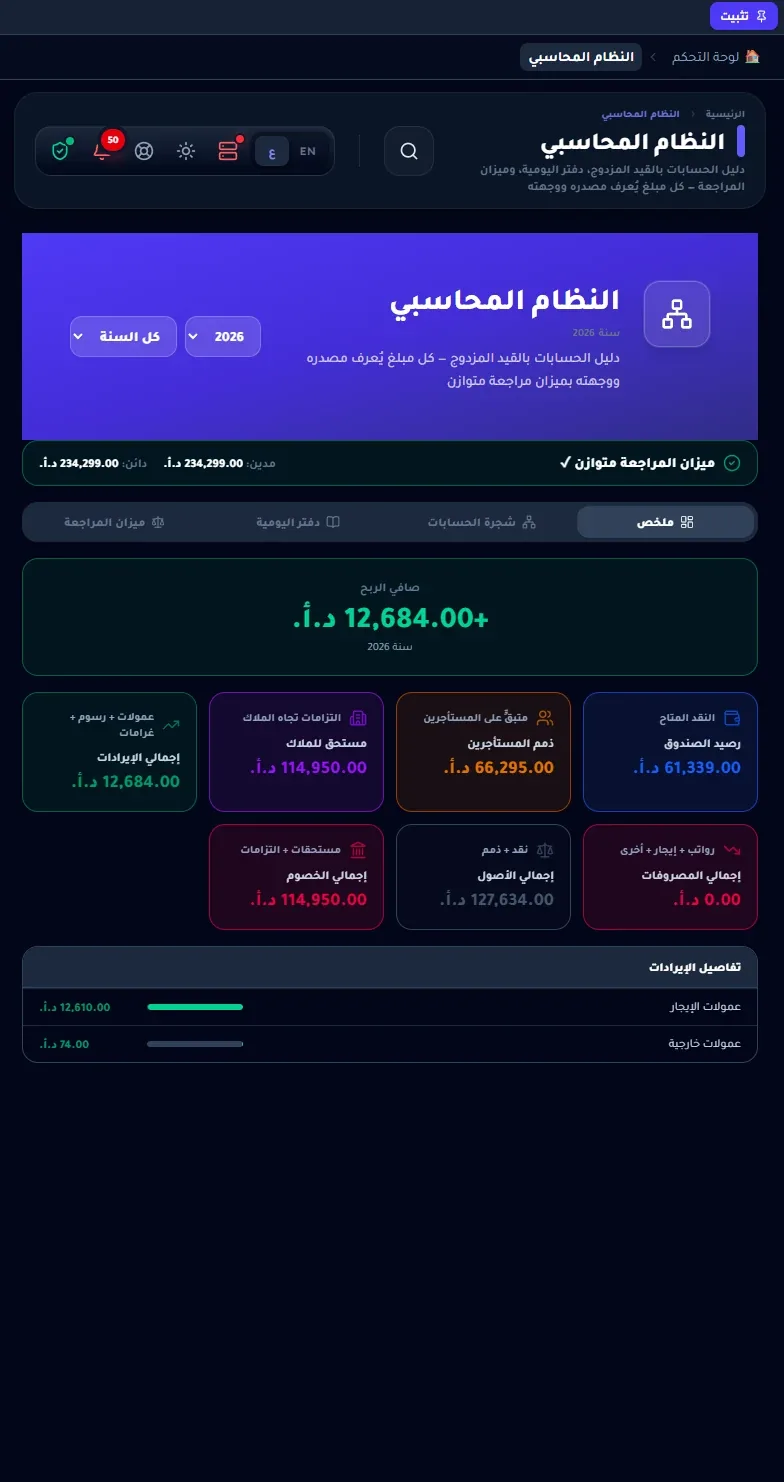
Accounts & reports
Company and owner accounts, commissions, reports and print templates.
04
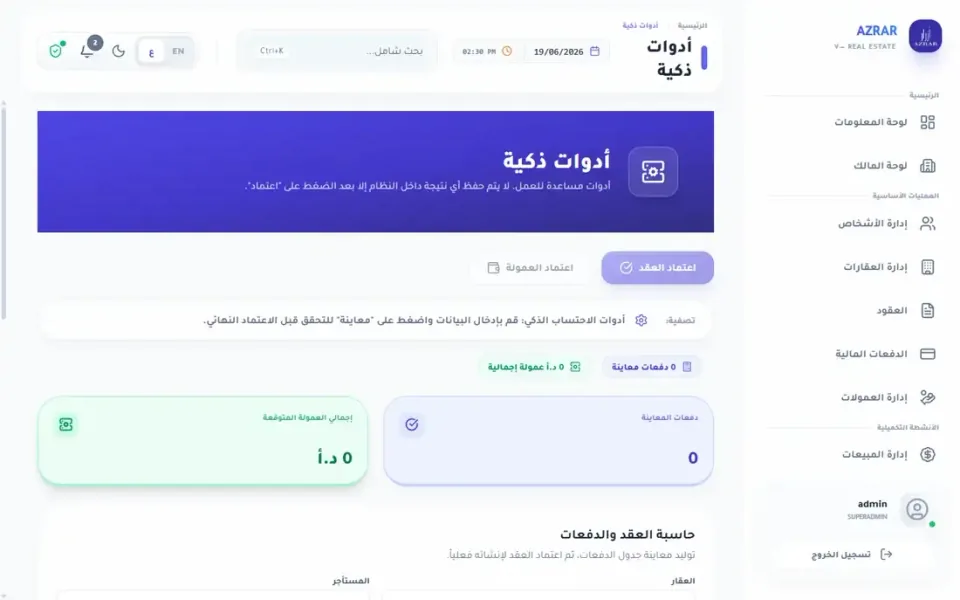
Follow-up & maintenance
Maintenance, alerts and message templates for day-to-day follow-up.
AZRAR modules
- 01Contracts
- 02Payments & collection
- 03Properties
- 04People
- 05Sales
- 06Commissions
- 07Alerts
- 08Reports
- 09Maintenance
- 10WhatsApp
- 11Legal templates
- 12Dashboard
- 13Owner dashboard
- 14Company finance
- 15Accounting
- 16Smart tools
- 17Print catalog
Local data, optional connections
Data is local by default. Sync, backups to your services, maps and AI features use the network when those optional features are used.
SQL Server is available in every plan; licensed device counts depend on the plan. Backups remain essential to protecting your work.
Try AZRAR on your PC
30 days with all features. No credit card required.